We all create documents at some point—whether it’s a CV, report, assignment, or business file. But there’s one step many people overlook: Document Editing.
I used to think that once I finished writing, the job was done. But over time, I realized something important—no matter how good your content is, poor editing can ruin the overall impression.
In this blog, we’ll walk through what document editing really is, why it matters, and how you can improve your documents like a pro—even if you’re just starting out.
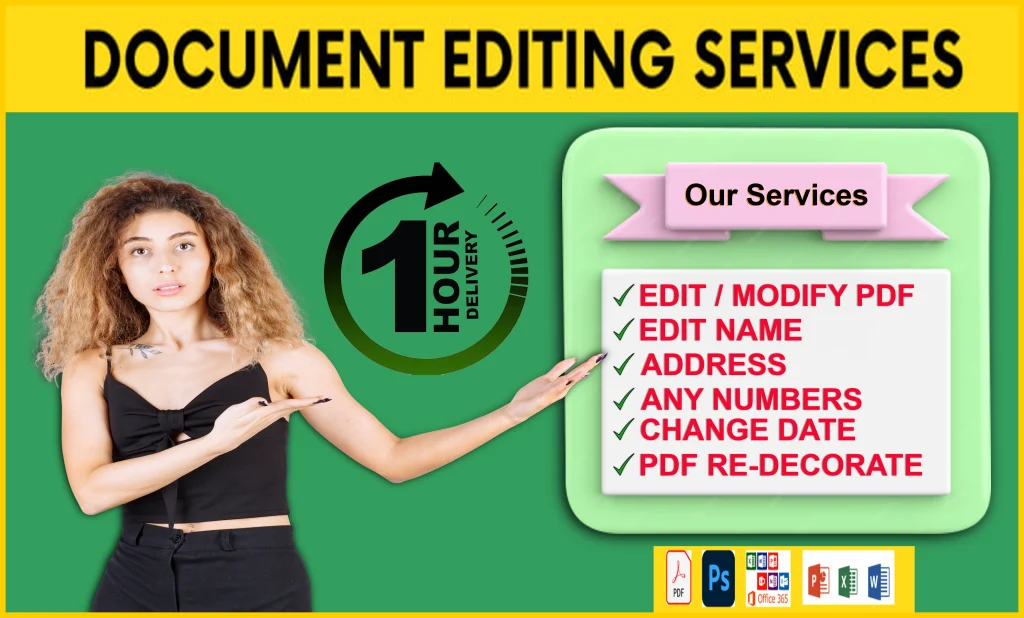
✍️ What is Document Editing?
In simple terms, Document Editing is the process of improving a written document to make it clear, accurate, and professional.
It’s not just about fixing spelling mistakes. Editing includes:
- Correcting grammar and punctuation
- Improving sentence structure
- Removing unnecessary words
- Ensuring consistency
- Formatting the document properly
Think of editing as the step that transforms your writing from “okay” to “excellent.”
🤔 Why is Document Editing Important?
You might be thinking, “A few mistakes won’t matter, right?”
Well… they actually do.
1. It Creates a Strong First Impression
Your document often represents you. Whether it’s a job application or a client proposal, people judge your professionalism based on what they see.
2. It Shows Professionalism
A clean, polished document tells others that you care about your work and pay attention to detail.
3. It Improves Readability
Clear sentences and proper structure make your document easier to understand. And let’s be honest—no one likes reading confusing content.
4. It Builds Credibility
If your document is full of errors, readers may question your reliability. Good editing builds trust.
🔍 Types of Document Editing
Not all editing is the same. Depending on your needs, there are different types:
🧾 Proofreading
This is the final step. It focuses on:
- Spelling mistakes
- Grammar errors
- Punctuation issues
✏️ Copy Editing
Here, we go a bit deeper:
- Sentence clarity
- Word choice
- Consistency
🧠 Content Editing
This involves improving the overall message:
- Structure of ideas
- Flow of information
- Relevance of content
🏗️ Structural Editing
This is more advanced and focuses on:
- Organization of sections
- Logical flow
- Overall readability
🛠️ Step-by-Step Guide to Editing Your Document
Now let’s get practical. Here’s how I personally edit documents:
Step 1: Take a Break
After writing, don’t edit immediately.
Take a short break—this helps you see mistakes more clearly.
Step 2: Read Slowly
Go through your document line by line.
Don’t rush. Small mistakes often hide in fast reading.
Step 3: Focus on One Thing at a Time
Instead of fixing everything at once, break it down:
- First round → Grammar
- Second round → Clarity
- Third round → Formatting
Step 4: Read It Out Loud
This is one of my favorite tricks.
If a sentence sounds awkward when spoken, it probably needs fixing.
Step 5: Use Tools (But Don’t Rely Completely)
Tools like grammar checkers can help, but they’re not perfect.
Always review manually.
⚠️ Common Document Editing Mistakes
Even experienced writers make mistakes. Here are some common ones:
- ❌ Skipping proofreading
- ❌ Using overly complex words
- ❌ Ignoring formatting
- ❌ Repeating the same words too often
- ❌ Not checking consistency (fonts, headings, spacing)
I’ve made all of these at some point—and trust me, fixing them makes a huge difference.
🎯 Tips for Better Document Editing
Let me share a few simple tips that really work:
- ✔ Keep sentences short and clear
- ✔ Use simple language
- ✔ Maintain consistent formatting
- ✔ Use bullet points for readability
- ✔ Always double-check names, dates, and numbers
And one more important tip—don’t rush. Good editing takes time.
💼 When Should You Consider Professional Editing?
Sometimes, it’s better to get help.
You should consider professional editing if:
- It’s an important business document
- You’re applying for a job or scholarship
- The document is long and complex
- You’re not confident about your writing
I’ve personally seen how a professionally edited document can completely change the outcome.
🚀 Final Thoughts
Document editing might seem like a small step, but it has a big impact. A well-edited document doesn’t just look good—it communicates better, builds trust, and increases your chances of success.
From my experience, the difference between an average document and a great one often comes down to editing. So never skip this step.
💬 What About You?
How do you usually edit your documents?
Do you have any personal tips or struggles when it comes to editing?
Let me know—I’d love to hear your thoughts! 😊
🔖 Tags
#DocumentEditing #Proofreading #CopyEditing #ContentWriting #WritingTips #EditingTips #ProfessionalWriting #Freelancing #FiverrServices